Augintel Search
Rebuilding search for the workers who can't afford to miss a thing.
Platform
B2B SaaS
My Role
Lead product designer
With
Engineering, ML, Customer Success
Timeline
3 months

The Problem
A search tool used twice as often as anything else was treated like a secondary feature.
Augintel helps child welfare agencies make sense of their case data. Caseworkers use it daily to track hundreds of notes across active cases — visits, court filings, service updates, risk flags. Search was the feature they relied on most. It was also the feature that had received the least design attention and broke down on large cases. There was a gap between how much search was used and how well it worked.
Discovery
Searching Augintel was quietly broken in three ways
I interviewed supervisors, analyzed search usage data, and worked with our ML engineer to understand the new NLP model's capabilities. The problems weren't just technical, the interface itself was working against the people using it.
01
Limited relevance & context
Exact keyword matching only. No contextual understanding. Results overwhelmed caseworkers with noise.
02
Performance bottlenecks
Every keystroke fired a search, resulting in large cases grinding to a halt. Pagination was confusing.
03
Interface misalignment
Used 2× more than anything else but given secondary importance in page hierarchy.

Search phrase analytics shows over 3,000 unique queries. Caseworkers were searching constantly for everything.
The Legacy Interface
Search was secondary and had no date filtering
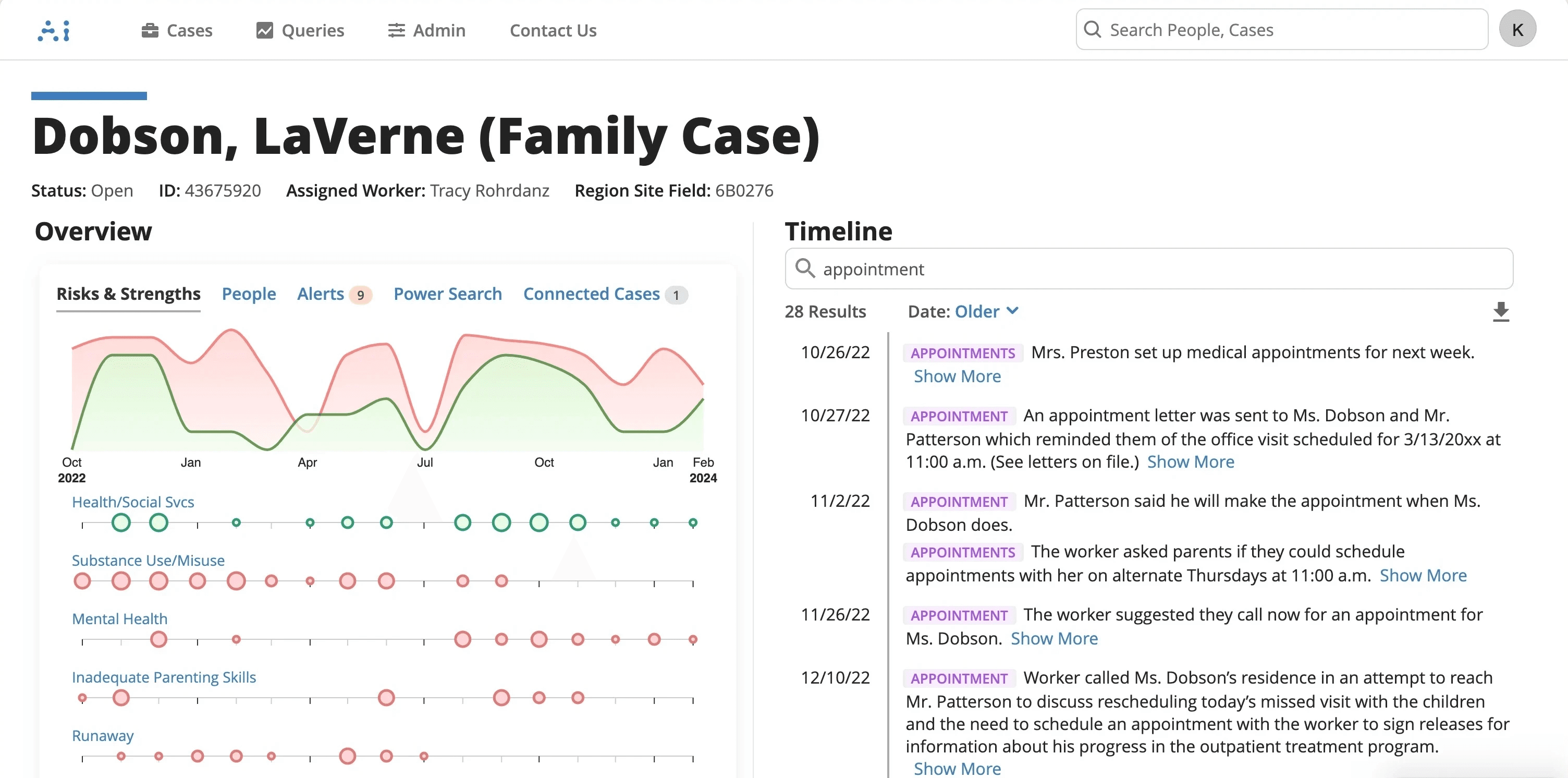
The old UI placed search secondary to analytics caseworkers used far less. There was no date filter, and no distinction between notes and matches.
Legacy interface
DESIGN STRATEGy
My first pass at the design incorporate four key decisions
Each of these factors tied directly to a research finding.
Elevate search to primary
First and most prominent position in every case view. Additionally I made the decision to eliminate the risks and strengths charts found on every case because users didn't understand it and didn't use them.
Redesign search results
In the existing interface users were returned results by individual note, and it was unclear how many exact matches there were per note. I added additional context to help users in their information finding journey
Hit enter to search
The existing interface began firing queries with every letter the user typed. By adopting a new pattern, we eliminated simultaneous queries and saved NLP model costs.
Add a date filter
This was by far our most-requested missing feature and this redesign was the perfect opportunity to add this to the product.
Validating the idea
Live A/B testing wasn't going to be an option, so I made an alternative plan to test the results
Our legacy code base couldn't accommodate search indexes for a true A/B test. I validated internally first, then with real users across roles, then via an embedded survey at beta launch while coordinating release notes, infrastructure updates, and company-wide training in parallel.
01
Internal & role-based testing
Internal usability rounds with real case data, then targeted testing across QA, Legal, Supervisor, Caseworker, and Specialist roles.
02
Beta launch with embedded survey
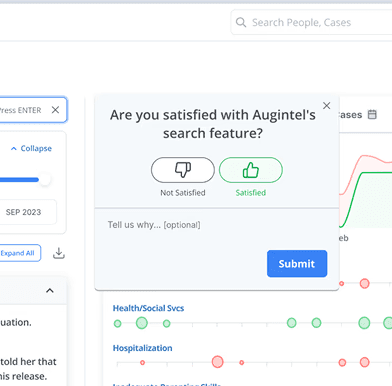
Shipped with an in-app satisfaction survey. This was a direct user forum and our primary post-launch signal.
03
Cross-functional roll out
Release notes and KPI plan with customer success; parallel backend work with engineering; workshops so sales and marketing weren't caught off guard.
The solution
Search as the primary interface — not a hidden feature
The redesign elevated search to first position, added date range filtering, clarified match-to-note relationships, and implemented Enter-to-search to resolve performance bottlenecks.
Features

Date filtering

Onboarding
Before VS After
From buried afterthought to primary interface
BEFORE
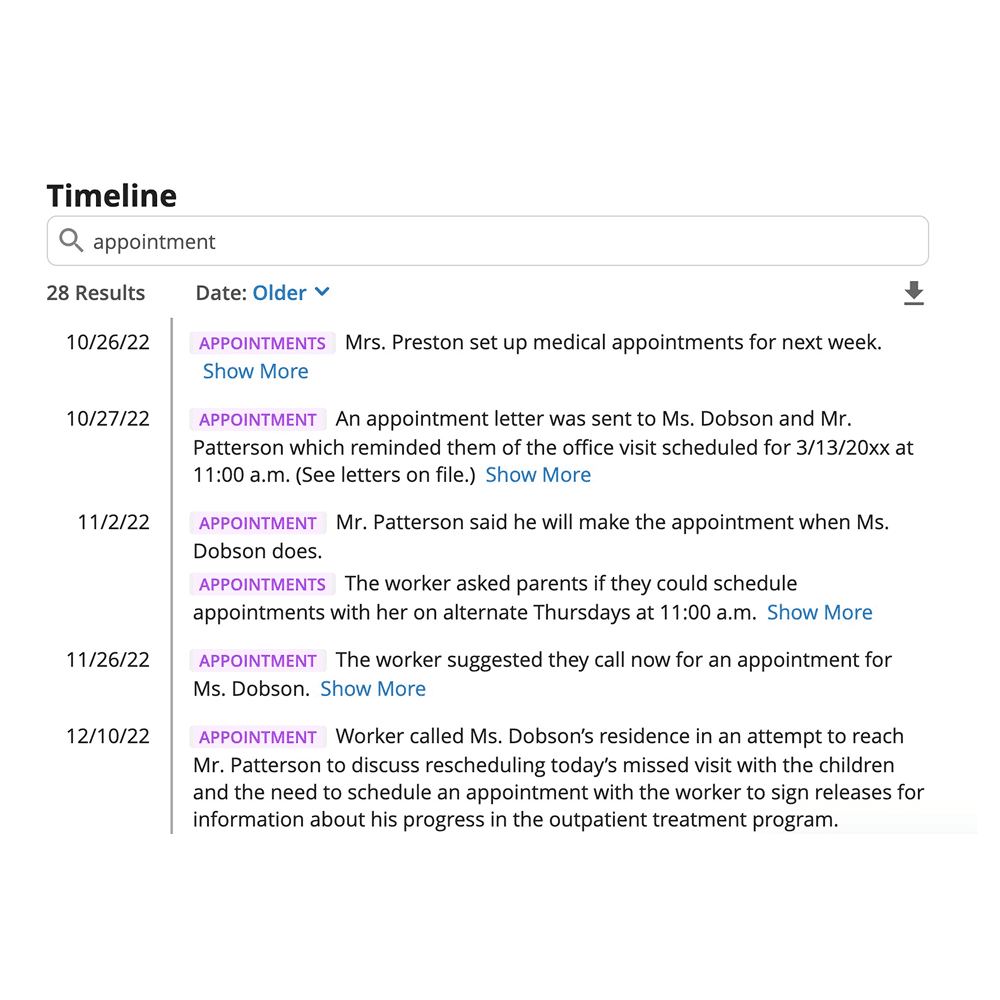
A caseworker opens a case to search for any mentions of appointments. As they type, every character fires a new search. On a large case, the interface slows to a halt. Results show 28 items with no clear distinction between notes and individual matches. There's no way to filter by date.
After

The caseworker opens the case. Search is the first thing they see. They type "doctor" and press Enter. 94 matches across 83 notes appear instantly, grouped by keyword, sorted chronologically. They drag the date slider to narrow to the last year. The right note is in front of them in under 30 seconds.

